
There's a free app in the Shopify App Store that can hold suspicious orders before they ship, warn you before a bestseller sells out, and make sure the packing team never misses a gift message. It's called Shopify Flow. It's free on the Basic, Grow, Advanced and Plus plans, and when we audit a store it's usually either not installed or installed and never opened.
That's a shame, because most of the repetitive admin we see brands doing by hand is exactly what Flow was built for. Below are three of the automations we'd switch on in almost any store.
The other seven, with step-by-step setup for all ten and a one-page cheat sheet, are in our free Shopify Flow Playbook.
How Flow works (in 30 seconds)
Every workflow has three parts:
When (the trigger): something happens in your store, like an order being created or stock changing.
Check if (the condition): Flow checks the details match what you've asked for, like an order total over £200.
Then do (the action): Flow does something, like adding a tag, holding the order, or sending you a message.
Install Flow from the Shopify App Store, open it, and either start from Templates or click Create workflow to build your own.
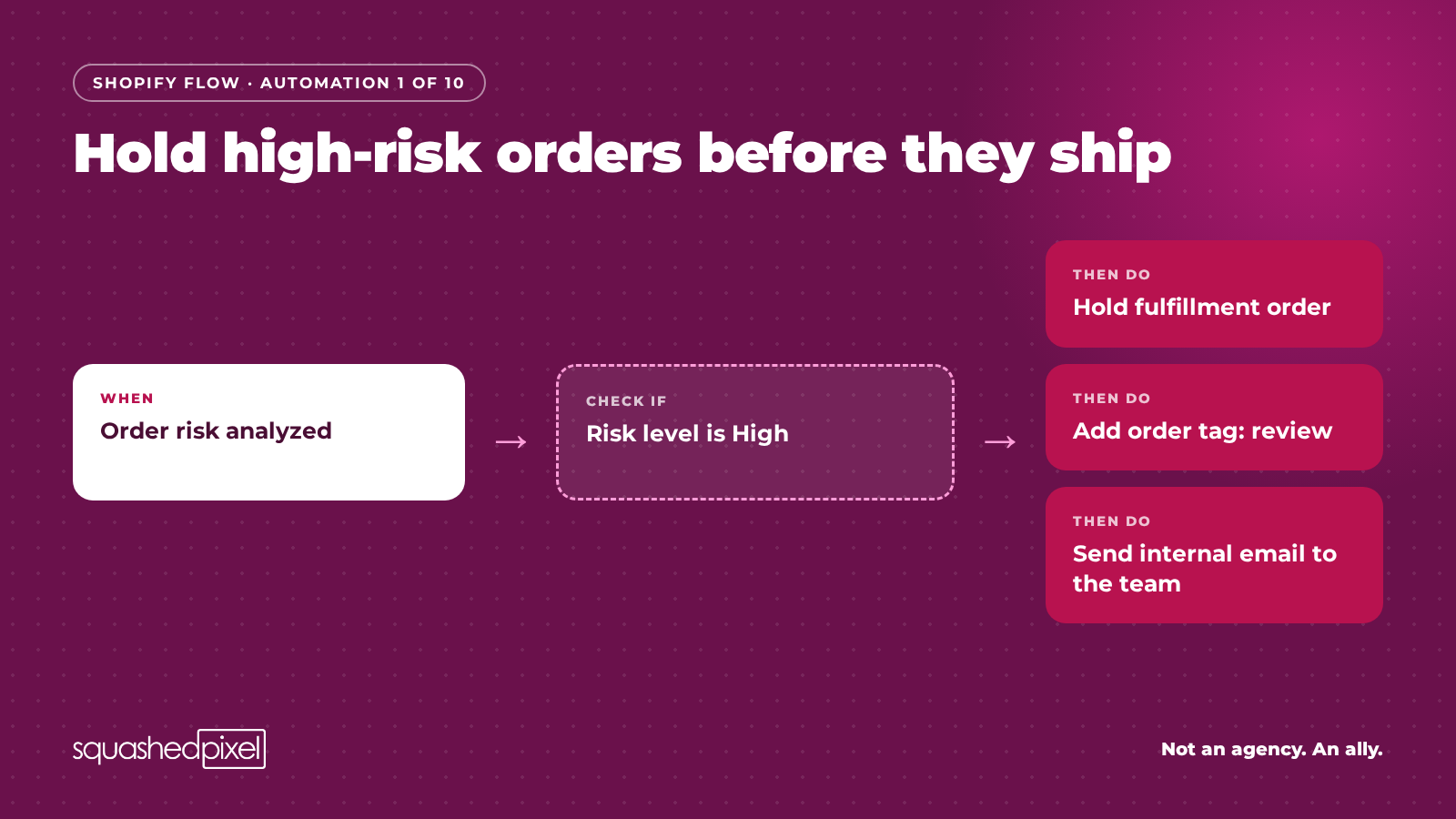
Hold high-risk orders before they ship
Shopify already scores every order for fraud risk. What it doesn't do on its own is stop a high-risk order going out of the door when your team is picking from a busy list.
When: Order risk analyzed
Check if: the risk level is High
Then do: Hold fulfillment order, add an order tag (e.g. "review"), and send an internal email to whoever checks fraud.
Our tip: use the Order risk analyzed trigger, not Order created. Shopify's fraud analysis takes a moment to run after the order arrives, so a workflow that starts on Order created can run before the risk score exists. We'd also hold rather than auto-cancel for the first month. Check what it catches before you let it cancel anything, because a false positive is a lost (and annoyed) customer. Shopify has a ready-made template for this: search "high risk" in Templates.
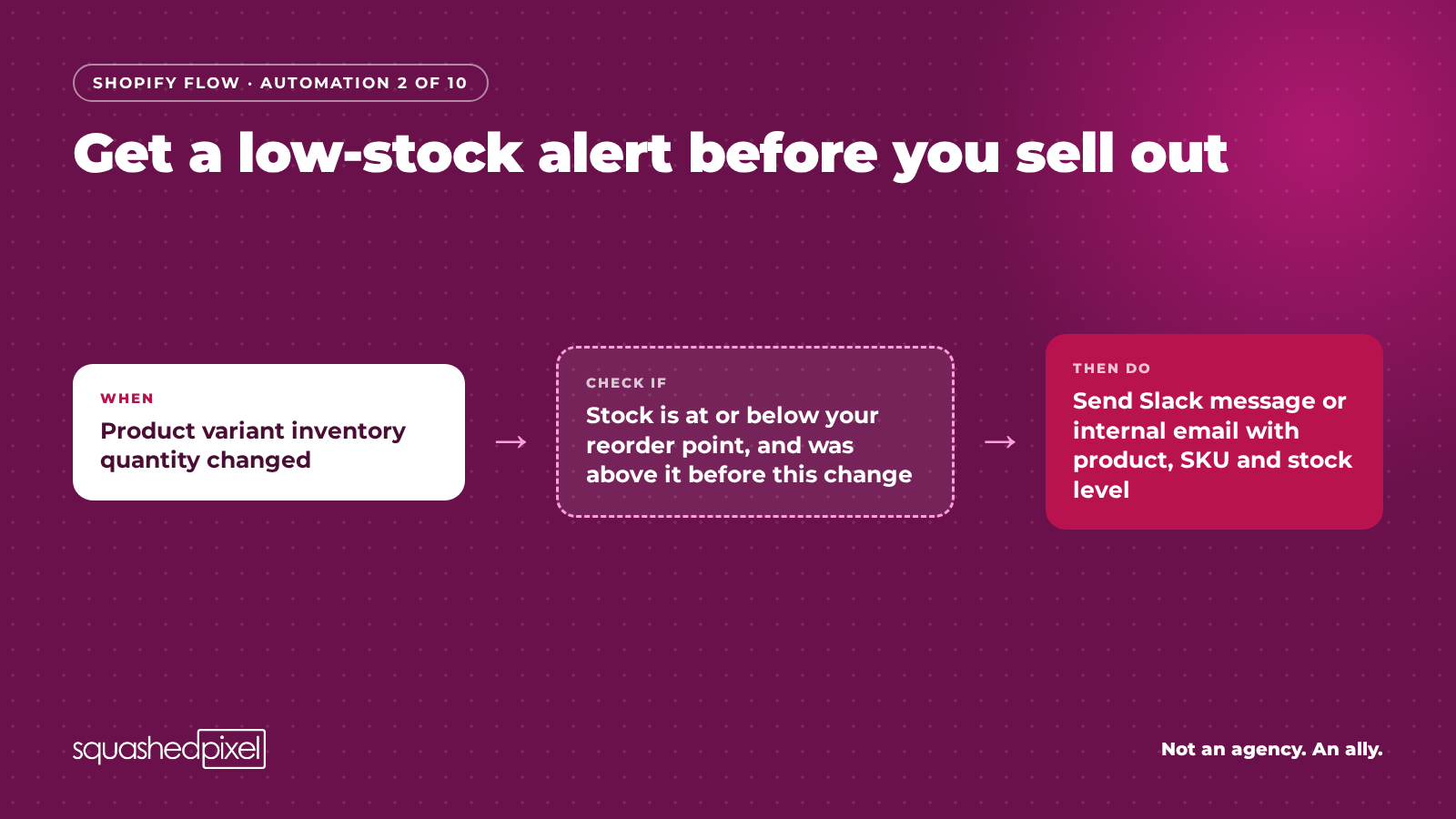
Get a low-stock alert before you sell out
Finding out a bestseller has sold out from a customer email is a bad way to run stock.
When: Product variant inventory quantity changed
Check if: the stock is at or below your reorder point and the previous quantity was above it
Then do: send a Slack message or internal email with the product, SKU and stock left.
Our tip: the second check ("was above it before") matters. Without it you'll get an alert after every single sale once stock is low, and within a week everyone will be ignoring them. Better still, don't use one number for the whole catalogue. Store a reorder point on each variant in a metafield and compare against that, so fast sellers alert earlier than slow ones. (More on getting metafields right in our metafields post - https://squashedpixel.co.uk/blog/shopify-insights/shopify-metafields-data-hygiene
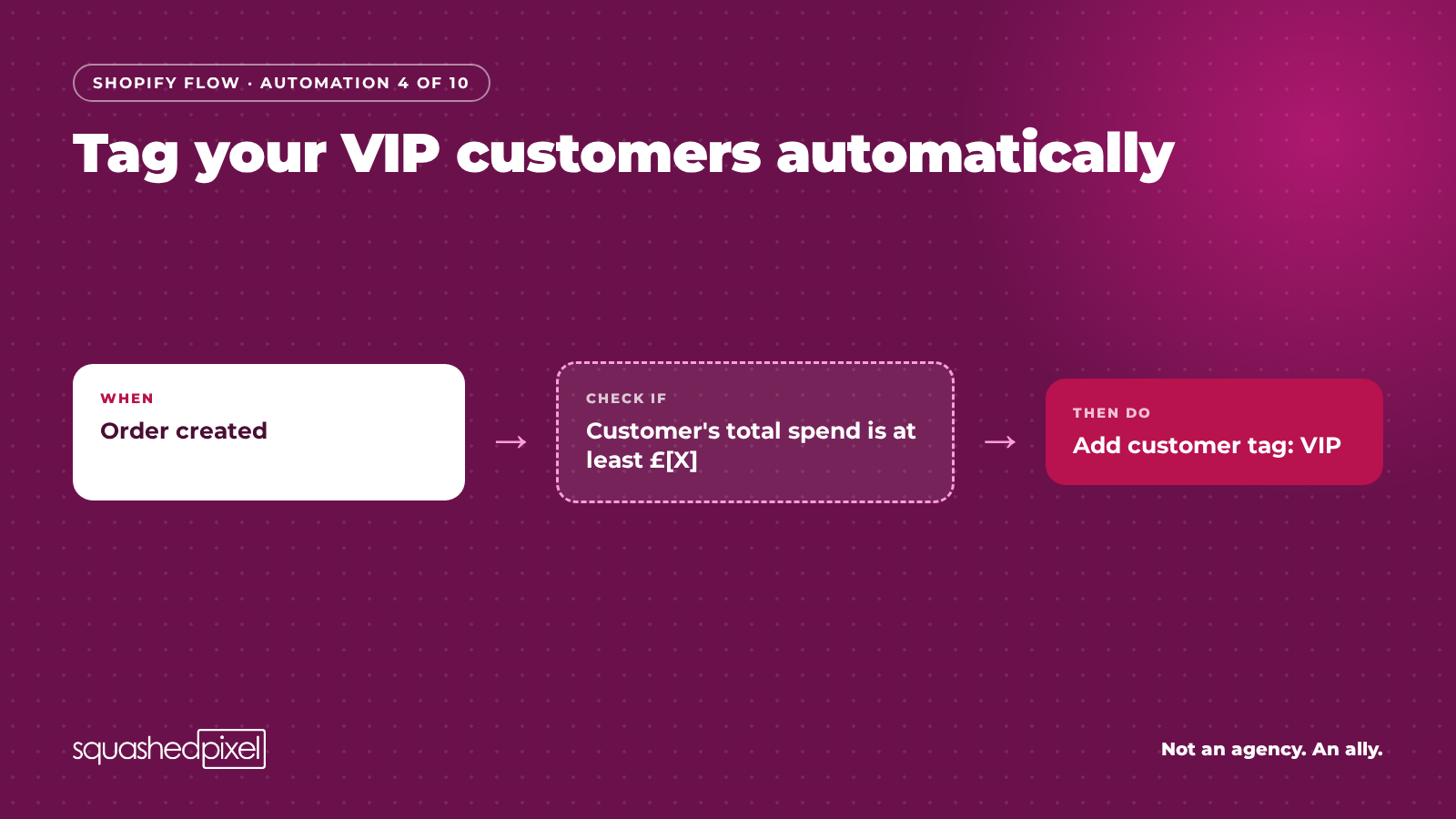
Tag your VIP customers automatically
Your best customers deserve to be treated differently, but you can't do that if you can't find them.
When: Order created
Check if: the customer's total spend is at least £[X]
Then do: Add customer tag "VIP".
Our tip: don't guess the threshold. Look at your customer report and pick a number that captures roughly your top [10]% by spend. Then use the tag: an early-access segment in your email platform, a handwritten note in the parcel, or a free-delivery perk. A tag nobody uses is just admin.
7 more automations worth switching on
These are all in the playbook, with exactly how to set each one up and the mistakes to avoid:
Hide one-off products when they sell out (without wrecking your SEO)
Make every first order feel special
Auto-tag wholesale orders
Get a heads-up on unusually big orders
Never miss a gift message again
Tag orders by discount code
A weekly product-data health check
Get the free Shopify Flow Playbook
All 10 automations, step-by-step setup, the checks to run before you switch anything on, and a one-page cheat sheet. Pop your details in and we'll email it straight over.
Everything here is doable in-house.
Where Flow gets really powerful (and where it pays to have someone who's done it before) is connecting it to the rest of your business: your ERP, warehouse or accounting system, or using the Run code action for logic the standard conditions can't handle.
If you'd like a second pair of eyes on your Flow setup, Get in Touch